Microsoft 365 Download လုပ်ထားခြင်းကြောင့် you့်အနေဖြင့် Word, Excel, PowerPoint, Outlook, Teams, OneDrive စသည်တို့ကို အချိန်မရွေး အသုံးပြုနိုင်ပါသည်။ အထူးသဖြင့် မိမိ၏ Device (PC, Laptop, Tablet, Mobile) အတိုင်း အဆင်ပြေစွာ ထည့်သွင်းအသုံးပြုနိုင်ပြီး Cloud-based Service တွေနဲ့ လည်း တိကျမှန်ကန်စွာ အလုပ်လုပ်နိုင်သည်။
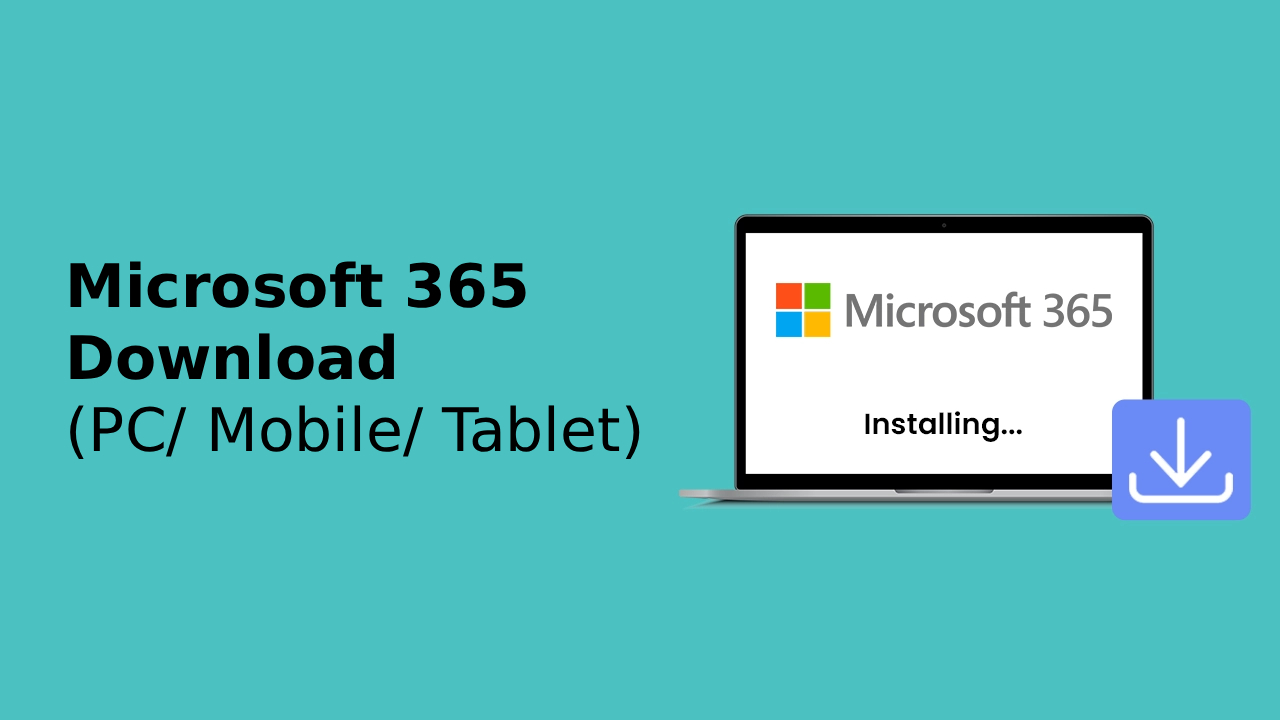
Microsoft 365 Download လုပ်နည်း (PC & Laptop အတွက်)
Step 1: Microsoft 365 Official Website သို့ ဝင်ရောက်ပါ
- Microsoft 365 Website သို့ ဝင်ပါ
- Window or Mac ရွေးချယ်ပြီး download လုပ်ပါ
Step 2: Setup File ကို Run လုပ်ပါ
- Download ပြီးသွားတဲ့ Setup (.exe) ဖိုင်ကို ဖွင့်ပါ။
- Installation wizard အတိုင်း ဆက်လက် Follow လုပ်ပါ။
Step 3: Installation ပြီးဆုံးသည်အထိ စောင့်ပါ
- Installation လုပ်နေစဉ် Internet Connection မပြတ်အောင် ထားပါ။
- ပြီးသွားလျှင် Word/Excel သို့မဟုတ် Outlook ကိုဖွင့်ပြီး သင့် Microsoft 365 Account နဲ့ Sign in လုပ်ပါ။
Mobile / Tablet အတွက် Microsoft 365 Download
Android:
- Google Play Store သို့ ဝင်ပါ
- “Microsoft 365 (Office)” လို့ ရိုက်ရှာပြီး Download & Install လုပ်ပါ
iOS (iPhone/iPad):
- App Store သို့ ဝင်ပါ
- “Microsoft 365 (Office)” ကို ရှာပြီး Install လုပ်ပါ
Mobile version မှာလည်း Word, Excel, PowerPoint, OneDrive, Teams စသည်တို့ကို တပြိုင်နက် အသုံးပြုနိုင်ပါသည်။
Microsoft 365 Download လုပ်ခြင်း၏ အကျိုးကျေးဇူးများ
|
Benefit |
Detailed description |
|
Productivity |
မည်သည့် Device မှ မဆို အချိန်မရွေး အလုပ်ဆောင်ရွက်နိုင်သည် |
|
Cloud Integration |
OneDrive နှင့် ချိတ်ဆက်ပြီး File များ Sync/Backup လုပ်နိုင်သည် |
|
Collaboration |
Microsoft Teams မှာ Real-time Collaboration လုပ်နိုင်သည် |
|
Security |
Microsoft Account Security နည်းလမ်းများဖြင့် အချက်အလက်များ လုံခြုံစွာ ထိန်းသိမ်းနိုင်သည် |
Summary
Microsoft 365 Download လုပ်ခြင်းက သင့်အလုပ်လုပ်နည်းကို ပိုမိုအဆင်ပြေစေပြီး Productivity, Collaboration, Cloud Integration တွေကို တစ်နေရာတည်းကနေ အဆင်ပြေစွာ အသုံးချနိုင်စေပါတယ်။
Microsoft 365 အသုံးပြုရင် Account လိုအပ်ပါက အခမဲ့ အကောင့်ဖွင့်နည်း post တွင် ဖော်ပြထားပါတယ်။
If you are interested in or want to learn more about Microsoft 365 and other products, Thetys Myanmar You can contact us to discuss details.
reference website : Fusion Solution, Fusion Solution Vietnam
Related Articles
- GPT-5 Codex — OpenAI's Best AI Coding Assistant
- Free Copilot Chat Feature in Microsoft Office Apps
- What is Customer Relationship Management CRM? How to use it?
- Chatbot Definition – What You Need to Know
- More about Power B
- Make figurines and join the Nano Banana AI Trend