AI is becoming more deeply integrated into our daily lives and work. However, what matters even more is how we design these new technologies to align with human needs and values. In Microsoft Copilot, the goal is… Human-centric AI To implement.
Copilot Fall Release: An Update That Makes AI More Fun, More Useful, and More Human
This release is a big step towards making AI more user-friendly.
Copilot “AI companion” as one —
✔ I understand myself
✔ I remember what I need.
✔ Simplify what you want to do
✔ Saves you time
Copilot Groups — Collaboration Space for Group Use of AI
Up to 32 colleagues
- brainstorming
- group planning
- study sessions
- team tasks
Copilot
✔ Subscribe
✔ We select the best ideas
✔ Makes votes happen
✔ Assign tasks
This is it social AI era It is a milestone that opens up.
Imagine — An Art Space Where Creations Remix
without doing much work
- AI-generated artwork
- ideas
- visual concepts
Browse → Like → Remix and multiply your creativity.
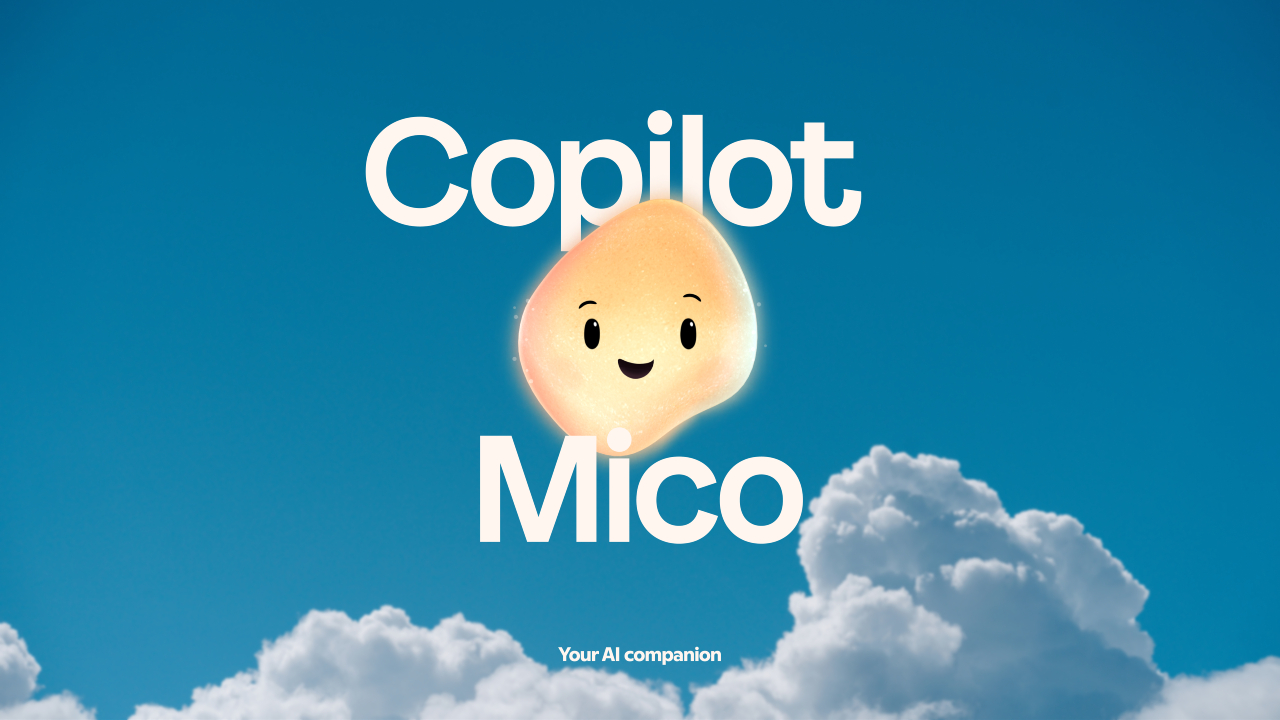
“Mico” — Copilot’s First Visual Companion
For voice chats
- gesture
- facial reaction-style animations
- color changes
- warm expression
A design that will make AI feel like a real "helper".
Real Talk Mode — Straightforward but Caring Conversation Style
Introduced in Microsoft Copilot Conversational style It is a kind.
The main purpose of this model is collaborative By speaking in a way...
- Carefully challenging assumptions (Challenges assumptions with care)
- Changing to suit your mood/situation (Adapts to your vibe)
- Conversations help foster growth and greater connection. (Helps conversations spark growth and connection)
...to obtain benefits such as:
This is a way to create deeper interactions and meaningful conversations between users and AI.
Deeper Memory — Copilot Outline “Second Brain” Mode
Long-term Memory
AI
✔ Your name
✔ Work process
✔ to-do list
✔ milestone
✔ anniversary
✔ project info
You have to remember them.
You can also delete it if you don't need it anymore.
Connectors — All-in-One Content Search Intelligence
OneDrive, Gmail, Outlook, Google Drive, Calendar…
In natural language
Saying something like, “Find the file from last week’s project kickoff email”
Copilot found it right away.
Copilot for Health
Credible sources like Harvard Health
It provides grounding for health answers.
Unforgettable
✔ Symptom display
✔ disease explanation
✔ doctor search
✔ healthcare navigation
AI provides direct help.
Learn Live — Voice-enabled Tutor
Perfect for those who are preparing for exams.
AI
✔ Socratic Q&A
✔ visual explanations
✔ whiteboard demonstrations
I understood the real story after doing it.
Copilot Mode in Edge — AI Browser
Tabs
- Read at the same time
- Compare
- Summarize
- Auto-action (booking, fill forms)
Do it.
The Journeys feature
Reconnecting browsing history into a storyline
Project revisit is easy.
Copilot in Windows
Windows 11 with just one PC
Saying "Hey Copilot"
- brainstorm
- fix PC errors
- find files
- guide with camera vision (Copilot Vision)
can do
Summary
Microsoft's Copilot Fall Release AI A Companion that will work more humanely and ethically Represented as one.
In this release, AI is for everyone. It can save you time, encourage collaboration, and help you understand your own perspective and needs. Human-centered AI It is built to be transformed.
If you are interested in or want to learn more about Microsoft 365 and other products, Thetys Myanmar You can contact us to discuss details.
reference website : Fusion Solution, Fusion Solution Vietnam
Related Articles
- GPT-5.1 — a new version that understands more and speaks more like a human
- Copilot Tips: Smart Collaboration Methods with Copilot
- Project Suncatcher – A new AI infrastructure being built in space
- Google Maps with Gemini – Next Generation Navigation with AI
- Gemini Schedule Meetings Easily in Gmail
- OpenAI introduces gpt-oss-safeguard – a new AI security