AI technology is changing the web browsing experience, and one of the topics that has been of interest to many people recently is... Atlas and Comet Chatgpt and Perplexity AI browsers.
Both of them will implement the idea of "an AI browser that works for you."
But each one is special. AI integration, speed, privacy, agent system There are differences in the parts.
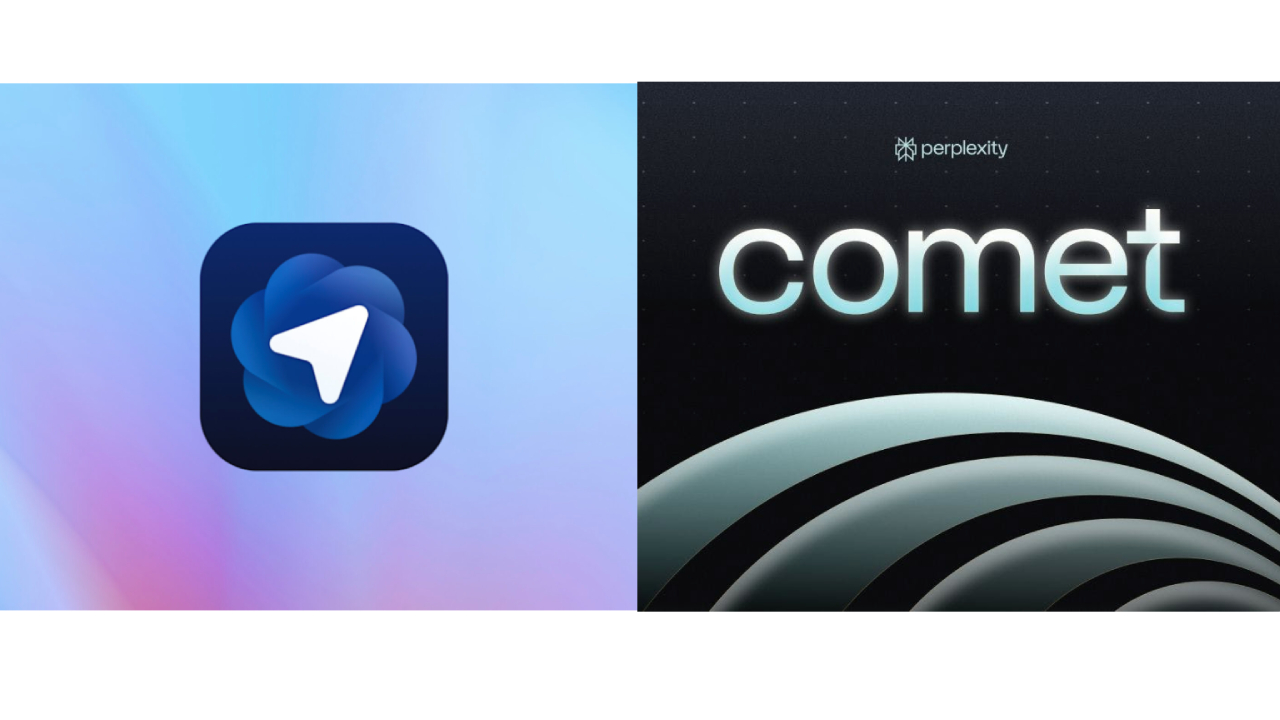
Atlas – The Most Convenient Browser for the ChatGPT Ecosystem
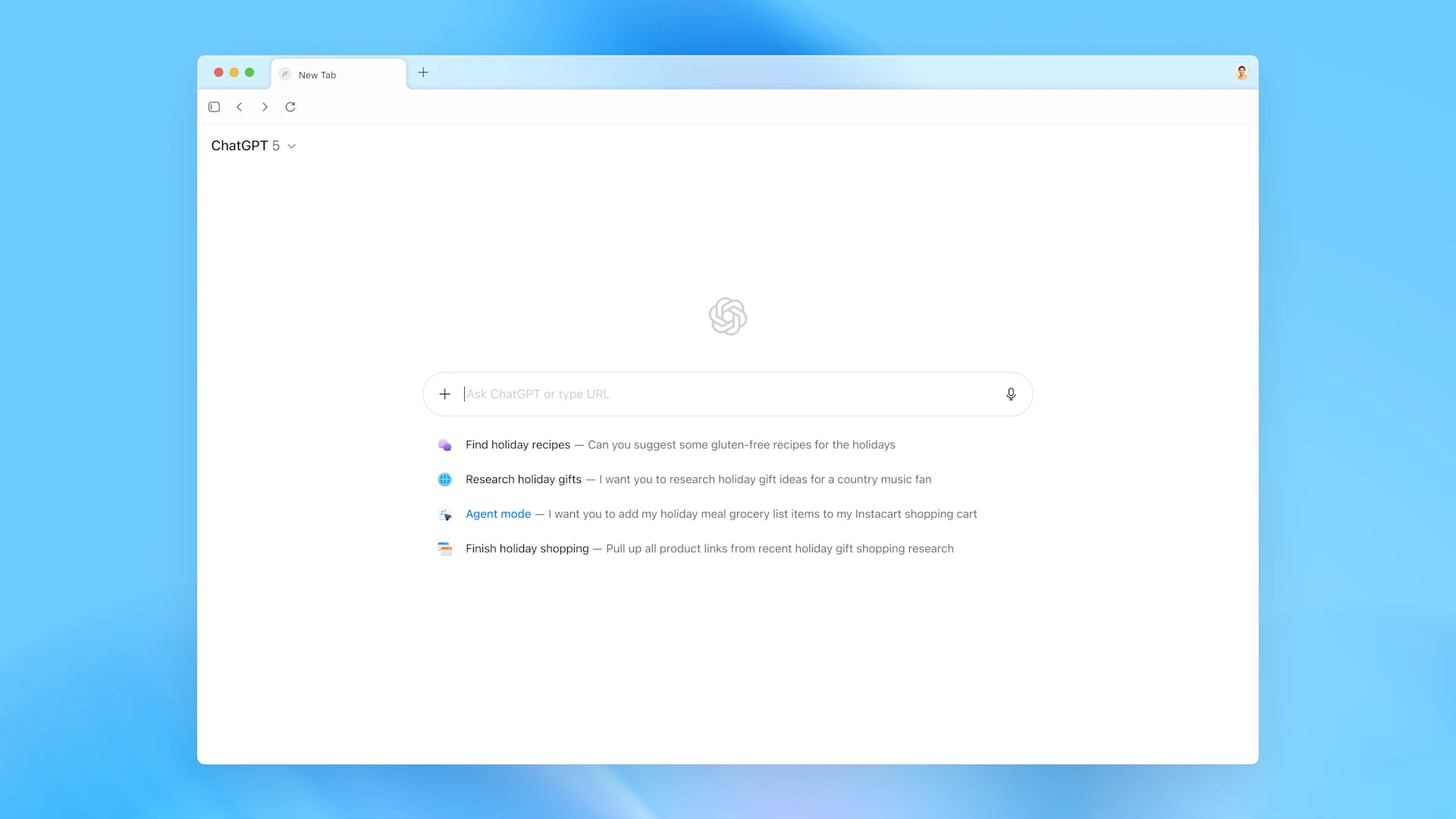
Atlas is OpenAI's latest project, an "AI-native browser" that can connect directly to ChatGPT.
The main purpose Integrating AI browsing into daily workflow is.
Key points of the Atlas
| Point | Description |
| ChatGPT Integration | ChatGPT can be used directly and you can chat with AI while browsing. |
| AgentKit Integration | It can be integrated with OpenAI Agentkit and run API, database, and automation tasks from the browser. |
| AI Workspace Management | Tabs, sessions, and history are organized by AI. |
| AI Memory System | It remembers user information and browsing habits to improve performance. |
| Cross-device Sync | Seamless sync between Mac, Windows, and multiple mobile devices. |
Security and Privacy
Atlas includes “Keychain & Permission-based Access” and protects user data with encryption.
Additionally, the “Memory Control Panel” also includes the ability to manually delete AI memory.
benefits
- You can use the ChatGPT API directly.
- You can run Automation scripts with Agentkit.
- Beautiful interface and increased productivity
- AI browsing assistant built-in
Comet – Multi-AI Integration and Privacy-focused Browser
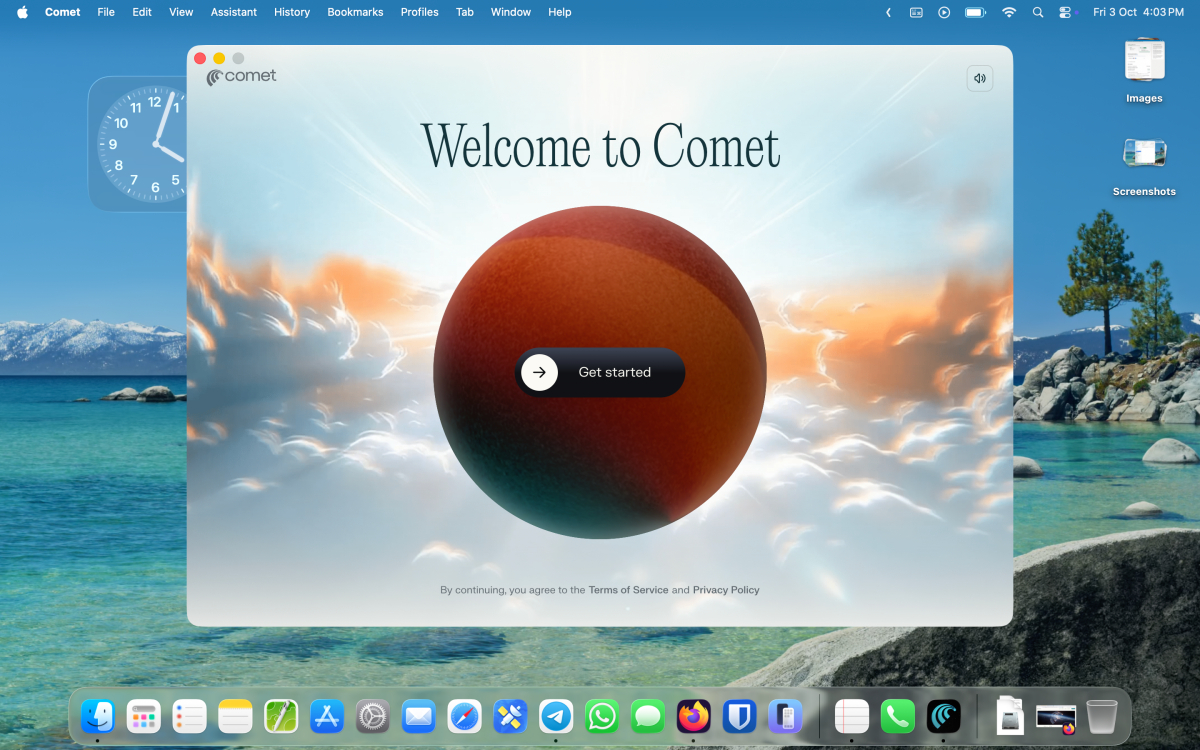
Comet is a privacy-first AI browser, and what makes it different from Atlas is the inclusion of “multi-model AI support.”
Not just ChatGPT Claude, Gemini, Perplexity, Copilot It can be connected to various models.
Key points of Comet
| Point | Description |
| Multi-Model Access | You can chat directly from your browser with various AIs such as ChatGPT, Claude, Gemini, etc. |
| Real-time Collaboration | You can work with AI agents right in the browser. |
| Offline Mode | You can continue some tasks with local AI cache even when there is no internet. |
| Privacy Control | We do not collect personal data by using local processing. |
| Custom Plugin System | You can setup a plugin-based agent for each user |
Security and Data Management
Comet uses a “Local-first AI” system, which means that all data is processed on the device, rather than stored in the cloud.
So it can be used more peacefully for security-conscious users.
benefits
- AI browser with the highest level of privacy
- Multi-AI collaboration support
- Offline capabilities included
- Easy to use for non-developers
Atlas vs. Comet: Which is better for the user?
| Criteria | Atlas | Comet |
| AI Integration | ChatGPT & Agentkit | Multi-AI (Claude, Gemini, etc.) |
| Speed | Cloud-based, very fast | Slightly slower (Local mode) |
| Privacy | Cloud encryption | Local data storage |
| Customization | Limited | Highly customizable |
| Collaboration Tools | Moderate | Strong (multi-agent workspaces) |
| Best For | Developers, AI professionals | Privacy & team collaboration users |
Recommendation by user
- For developers – Use Atlas. ChatGPT API and automation are easier.
- For those who care about privacy – Use Comet. Local data processing is better.
- For Team Collaboration – Comet is more suitable. Multi-agent tasks can be done together.
- For AI Workflow Lovers – Atlas is more efficient. Best for Agentkit and ChatGPT integration.
Conclusion
Atlas and Comet It depends on the user's purpose.
- Atlas is tightly integrated with the ChatGPT ecosystem and is ideal for productivity tools.
- Comet is better suited for those who want privacy, team collaboration, and a variety of AI models.
In other words, Atlas AI developer’s browser, Comet AI researcher’s browser It can be said.
Finally, we recommend that you try the browser that works best for you.
If you are interested in or want to learn more about Microsoft 365 and other products, Thetys Myanmar You can contact us to discuss details.
reference website : Fusion Solution, Fusion Solution Vietnam
Related Articles
- ChatGPT Atlas – A New Smart Browser That Will Transform with AI Technology
- Transforming the education sector with AI-powered
- Microsoft 365 Premium: AI and Productivity Powerhouse
- Power BI Service – What is a Semantic Model?
- OpenAI Parental Controls System
- Sora App (Sora 2) – AI that makes video creation easy